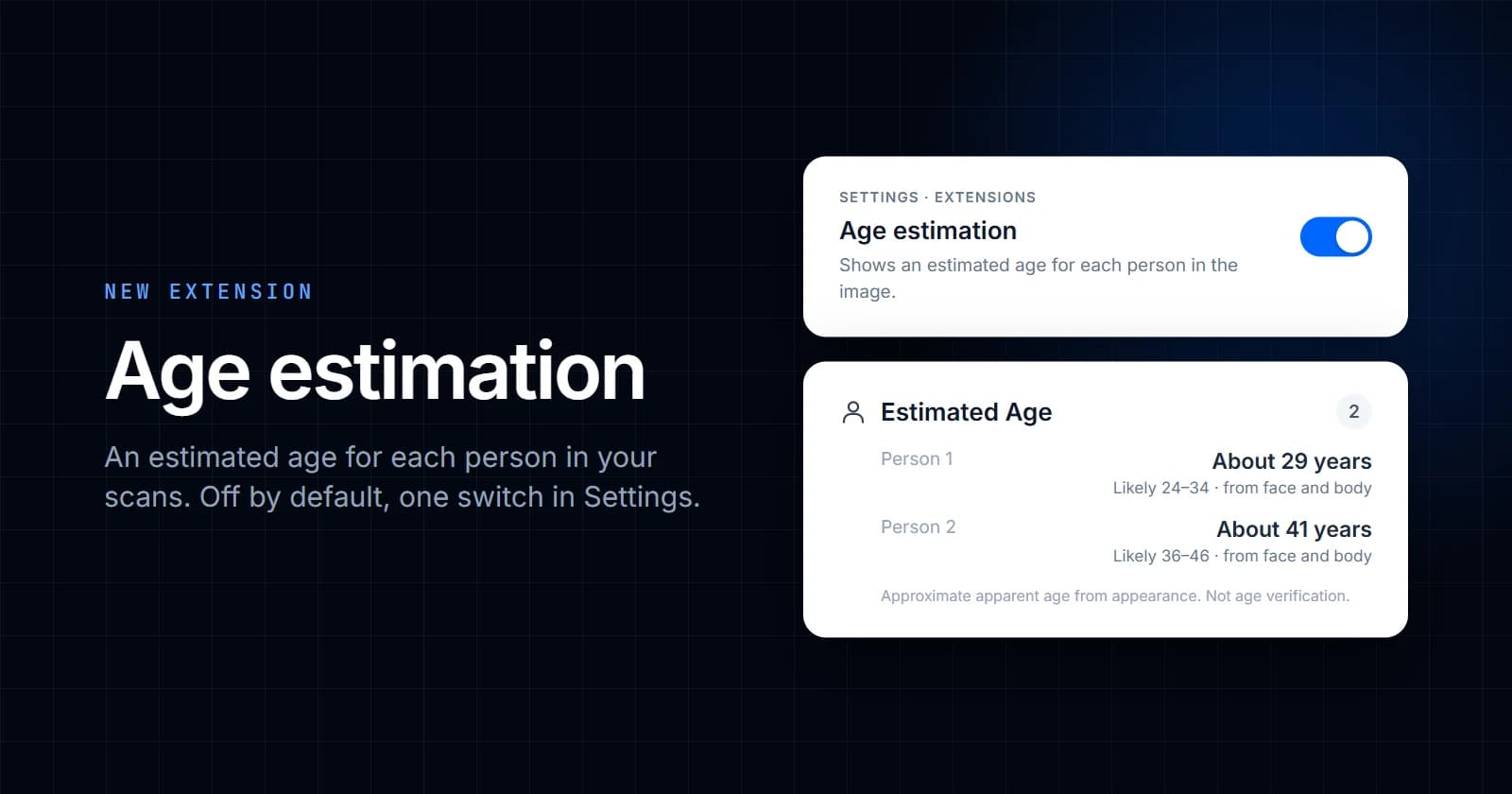
Sightova can now estimate how old the people in an image look. It's our first extension: an optional check that adds to the AI image detection you already use. It's off by default and runs only for accounts that turn it on.
How to turn it on
- Sign in and open Settings.
- Under Extensions, switch on Age estimation.
- Run an AI image check as usual.
The setting is per account and covers both your dashboard scans and your API key. Switch it off the same way and the age check stops running on your images. It's available on every plan, including Free.
What you'll see
Once it's on, AI Media Detection results get a new Estimated Age section. For each person found in the image it shows:
- An estimated age, for example "About 29 years".
- A likely range of five years either side, because no estimate from a photo is exact.
- What the estimate is based on: face and body, face only, or body only. Body-only estimates, for people whose face isn't visible, are the least reliable.
When there's more than one person, they're listed left to right as they appear in the image. If the image has no people in it, the section says so.
The age check runs alongside the AI detection, so scans take about the same time as before.
In the API
With the extension on, /api/v1/detect/ai adds a people list to the result:
"people": [
  {
    "estimated_age": 29,
    "age_range": [24, 34],
    "source": "face+body",
    "face_box": [100, 80, 260, 260],
    "person_box": [40, 40, 400, 790]
  }
]
The boxes are pixel coordinates (left, top, right, bottom) in the original image. The list is empty when no one is found, and people is null if the age check couldn't finish for that image. Accounts without the extension get no people field at all.
How accurate it is
We tested it on photos of adults whose ages we knew. Here is what we found:
- Closest for young adults. For people in their late teens and early twenties, estimates were typically within three to four years.
- Older adults are read younger. It tends to underestimate age, and for people in their late forties and fifties it was often close to ten years low. Flattering, filtered or old photos make this worse.
- Close to a human eye. On a sample we also judged by eye, the estimate was about four years from our own guess on average.
- About 1 in 100 adults was estimated to be under 18.
That last figure is why we show a range and not just a number, and why we don't recommend using the estimate for automatic decisions.
Where it helps
- Dating and social platforms: see whether a profile photo looks plausible for the age someone gave, and send mismatches to review.
- Marketplaces and listings: spot photos of people that don't fit the listing or the account.
- Moderation queues: combined with the NSFW score, decide which uploads to escalate first.
To try it, open Settings, switch on Age estimation and run an image through AI Media Detection.